 Sale!
GeneratePress Template
Sale!
GeneratePress Template
Digital Product _Changelog_ Markdown Generator
Original price was: $96.38.$74.96Current price is: $74.96.

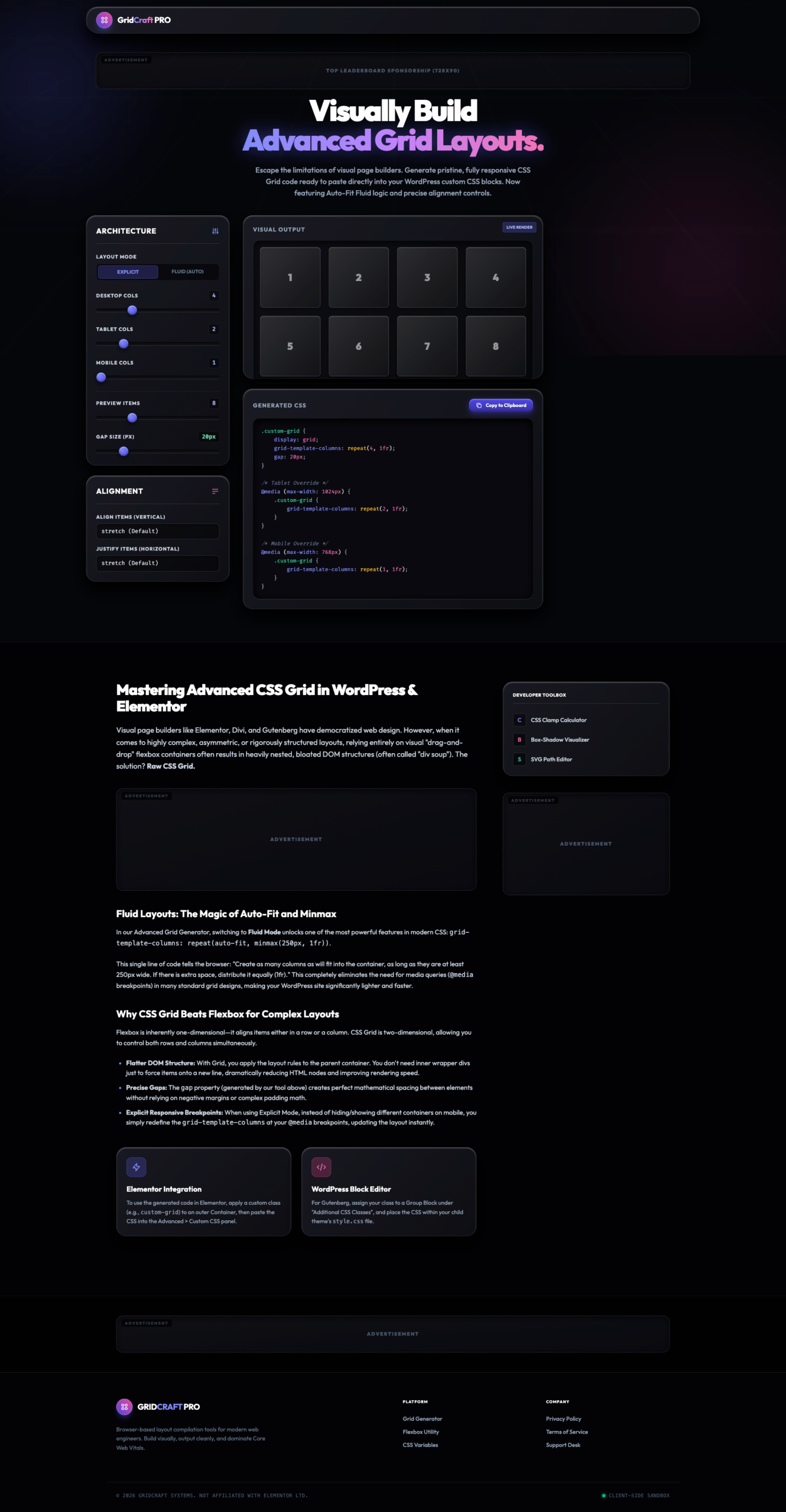
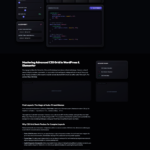


GridCraft PRO enables developers to escape the constraints of “drag-and-drop” flexbox containers which often lead to bloated DOM structures. By utilizing raw CSS Grid, users can create complex, asymmetric, or rigorously structured layouts that are significantly lighter and faster than traditional builder methods.
The tool provides a comprehensive Architecture suite for precise layout control:
Layout Modes: Switch between Explicit mode for fixed column counts and Fluid mode for dynamic, auto-fitting layouts.
Responsive Breakpoints: Independently set column counts for Desktop, Tablet, and Mobile views.
Gap Control: Adjust the precise gap size in pixels to manage spacing without relying on complex padding math.
Alignment Tools: Define vertical (align-items) and horizontal (justify-items) behavior for grid items.
Switching to Fluid Mode unlocks advanced CSS properties like repeat(auto-fit, minmax(250px, 1fr)). This single line of code instructs the browser to create as many columns as will fit in a container while maintaining a minimum width, often eliminating the need for manually defined media queries across standard grid designs.
The generated CSS is optimized for modern WordPress workflows:
Elementor: Assign a custom class (e.g., custom-grid) to an Elementor Container and paste the generated code into the Advanced CSS panel.
Gutenberg: Assign the CSS class to a Group Block and add the generated styles to your child theme’s style.css file.
Beyond the core grid generator, GridCraft PRO includes a “Developer Toolbox” to assist with broader CSS tasks:
CSS Clamp Calculator
Box-Shadow Visualizer
SVG Path Editor
Experience a lighter, faster way to design for the web—click the “Live Preview” button to explore the visual output and generate your custom CSS Grid code today.
Sale!
GeneratePress Template
 Sale!
GeneratePress Template
Sale!
GeneratePress Template
 Sale!
NB Lifetime Member
Sale!
NB Lifetime Member
 Sale!
finance
Sale!
finance
Reviews
There are no reviews yet.