 Sale!
finance
Sale!
finance
Algorithmic Trader Metrics
Original price was: $74.96.$53.54Current price is: $53.54.

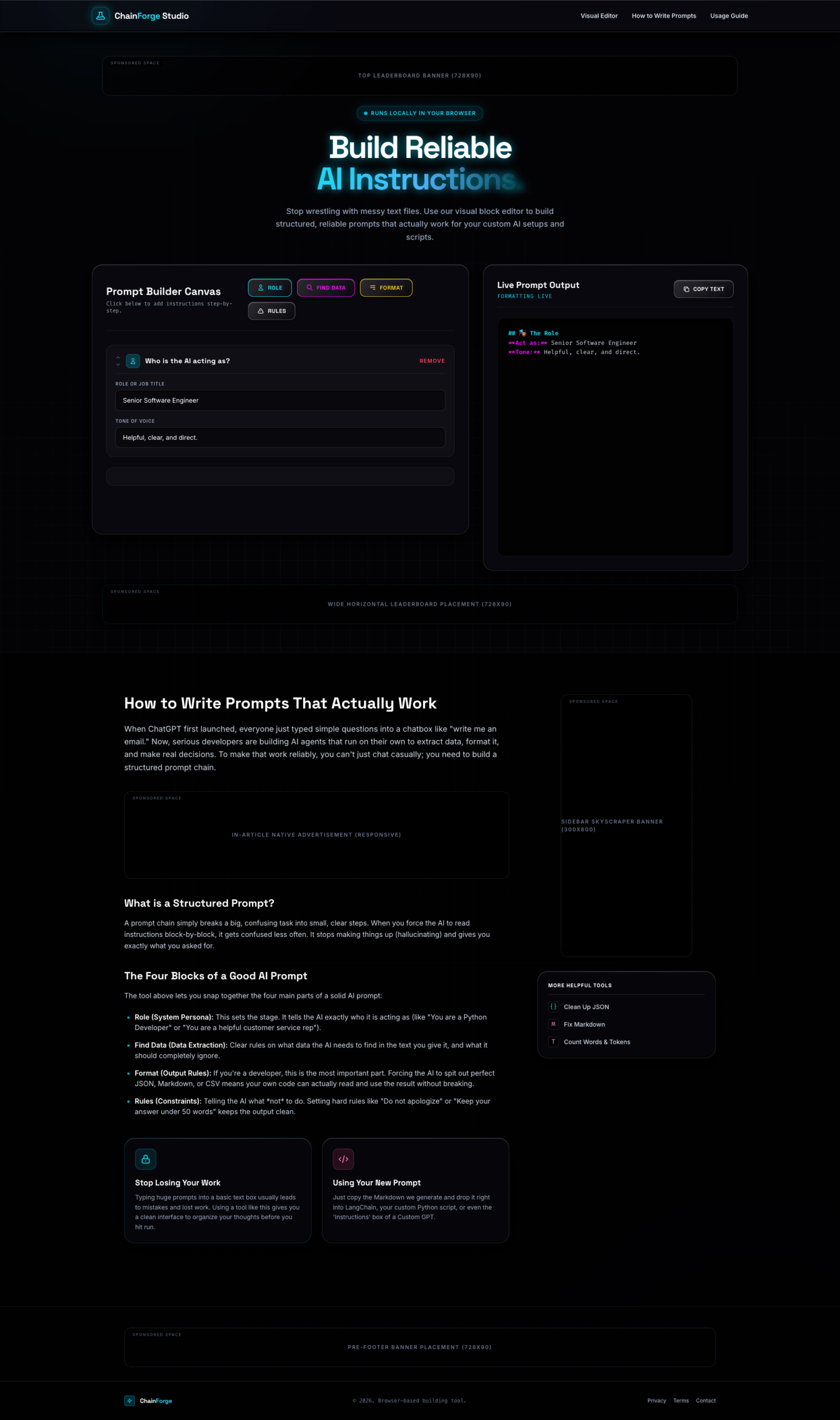
Build cleaner, more structured AI prompts with a modern visual workflow interface designed for creators, developers, and AI power users. ChainForge Studio transforms complex prompt writing into an organized block-based experience with real-time formatted output previews.
Featuring a sleek dark UI, categorized prompt sections, and an interactive prompt canvas, this tool helps streamline prompt creation while maintaining clarity, consistency, and usability. Click the Live Preview button to explore the exact product experience and interface before purchase.

ChainForge Studio is a modern prompt-building interface designed to help users create cleaner, more organized, and visually structured AI instructions. Instead of writing large unstructured prompts inside plain text editors, this interface introduces a guided canvas-style workflow that makes prompt construction easier to manage, edit, and review.
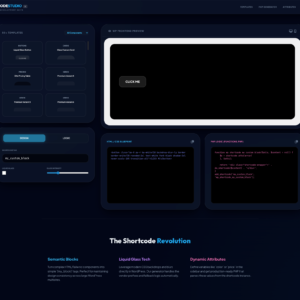
From the moment you open the interface, the product presents a premium dark-themed design with a highly polished developer-focused layout. The workspace is divided into clear sections, allowing users to visually organize prompt components while simultaneously previewing formatted output in real time.
The overall experience feels intentionally designed for productivity, clarity, and workflow efficiency.
At the center of the experience is the Prompt Builder Canvas, where users can structure instructions into organized sections instead of dealing with cluttered text blocks.
The interface shown includes areas for:
This visual workflow can help simplify prompt engineering for users who regularly work with AI systems, custom instructions, automation workflows, or reusable prompt templates.
The side-by-side layout also improves readability by allowing users to instantly review how their structured inputs translate into formatted prompt output.
The product features a futuristic dark interface with neon-accented highlights, subtle grid backgrounds, and modern card-based layouts that create a highly polished software aesthetic.
Key visual highlights visible in the interface include:
The design feels tailored for creators, developers, AI enthusiasts, and digital professionals who value both usability and presentation quality.
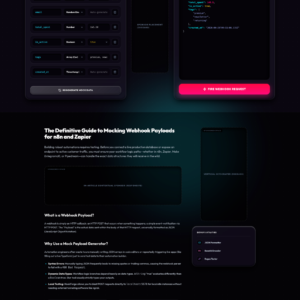
Beyond the builder itself, the interface also includes educational sections explaining prompt structuring concepts such as:
This creates a more guided user experience rather than functioning as only a simple text editor. The inclusion of supporting content helps make the platform feel more approachable for users looking to improve prompt-writing consistency and workflow organization.
Based on the visible interface, ChainForge Studio appears suitable for:
The real-time formatting panel further enhances usability by giving users immediate visual feedback while building instructions.
One of the strongest aspects of the product is its overall presentation quality. The interface avoids unnecessary clutter and instead focuses on creating a streamlined workspace optimized for clarity and structured thinking.
Every section appears intentionally spaced and visually categorized, helping users maintain focus while constructing detailed AI instructions.
If you want to explore the exact interface, workflow, and overall experience shown in the screenshots, make sure to click the Live Preview button before purchasing to see the real working demo and evaluate the product directly.
Sale!
finance
 Sale!
HTML
Sale!
HTML
 Sale!
NB Lifetime Member
Sale!
NB Lifetime Member
 Sale!
NB Lifetime Member
Sale!
NB Lifetime Member
Reviews
There are no reviews yet.